
What to Do When a 16M ARXML Blocks Your AI BSW Workflow
A 16M Com.arxml stops generic coding agents cold; AutoC uses a structured ECUC execution layer to reliably find unreferenced ComSignals.
How it started
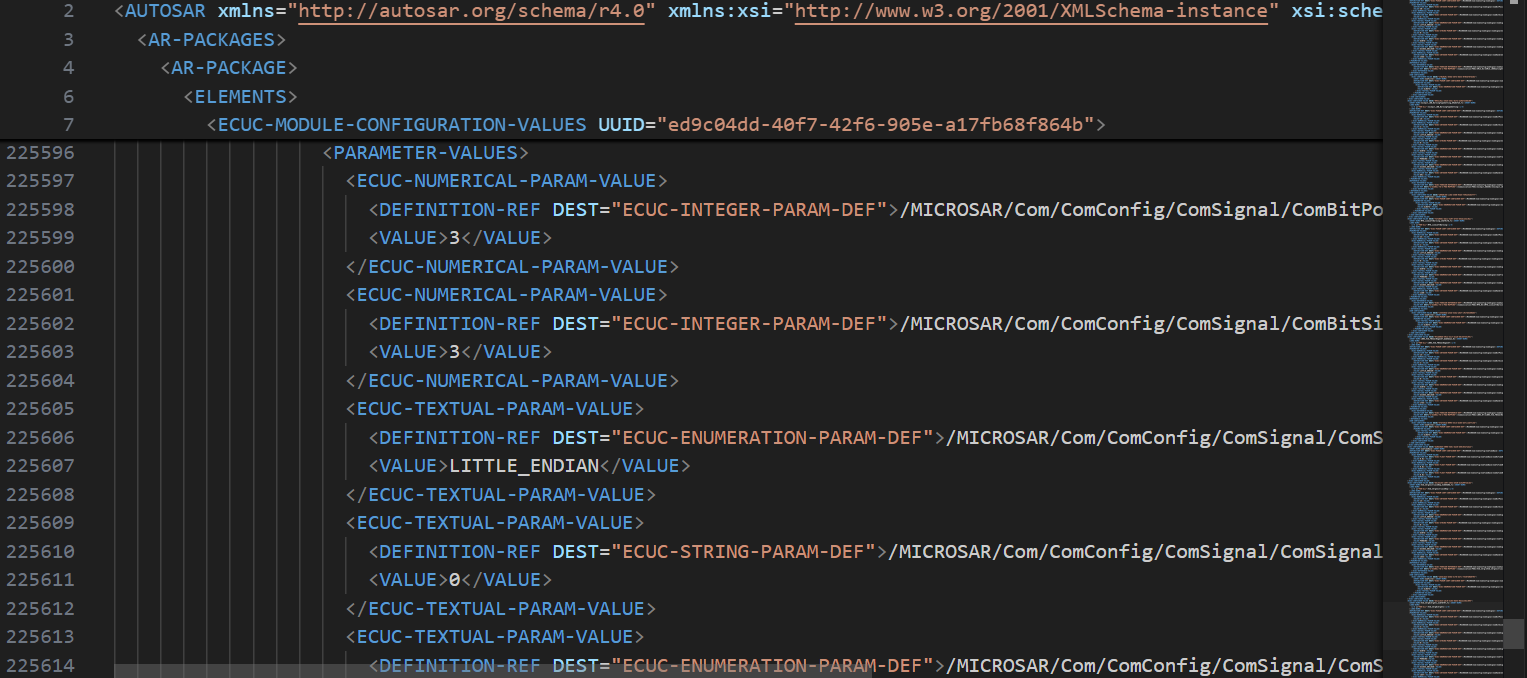
Last week a friend asked whether he could use AI to modify a Com module. He sent me the module's Com.arxml. I opened it: 16M.

He asked whether AutoC could handle it. I told him to try Claude Code first.
Generic coding agents stall at step one
The natural first move is to hand the file to a generic coding agent such as Claude Code. In practice it does not get far.
These tools follow a read-file, edit-file loop: load the file into context and ask the model to find signals with no references. A 16M ARXML tokenizes to millions of tokens under AUTOSAR's deeply nested, verbose XML. No context window is large enough.
You cannot solve this by chunking either. Deciding whether a signal is referenced requires a global view—you must scan ComIPdu reference relationships across the file. Half a file yields wrong answers.
This is not fixed by a larger context window. Generic tools treat ARXML as very long text, but ARXML is a schema-bound, cross-referenced structured database. Text-style reading is the wrong model.
Why you need a dedicated BSW agent
This matches what I have argued for a long time: BSW configuration does not work well with generic coding agents. You need an agent that understands AUTOSAR module structure—lists, choices, cross-module references—and separates two jobs:
- Understand what the file looks like
- Perform precise operations on it
The model should not need to read all 16M bytes to act. It describes intent against structure; a tool layer built for AUTOSAR executes precisely. Data size barely matters—16M and 160M are not fundamentally different.
Hands-on test
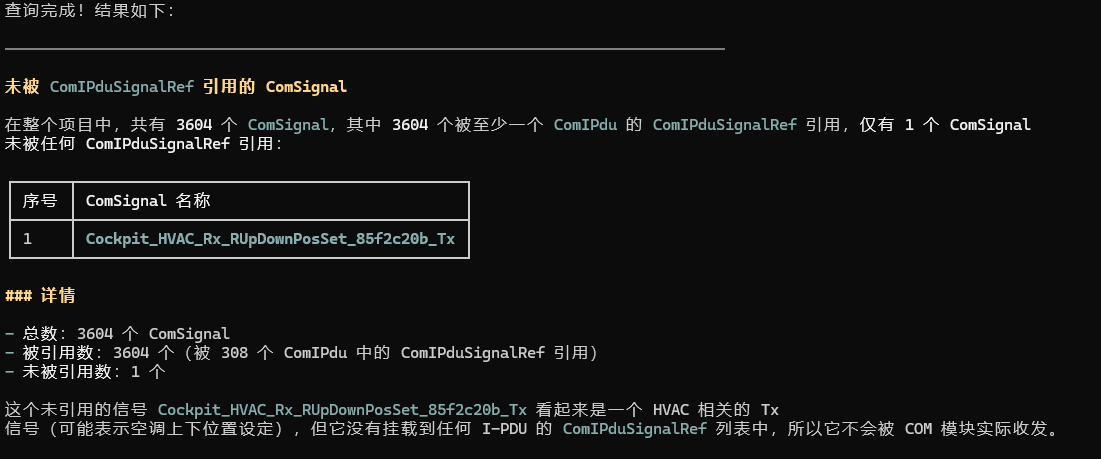
We used AutoC on that 16M Com.arxml with this goal: find every ComSignal not referenced by any ComIPduSignalRef.
You can ask many other questions too—we welcome pushing AutoC's limits.
AutoC does not load the whole file into the model context. It parses XDM/ARXML into structured data first; the model only states intent.
First attempt
AutoC tries to read the data directly.
Small data sets are handled inline.
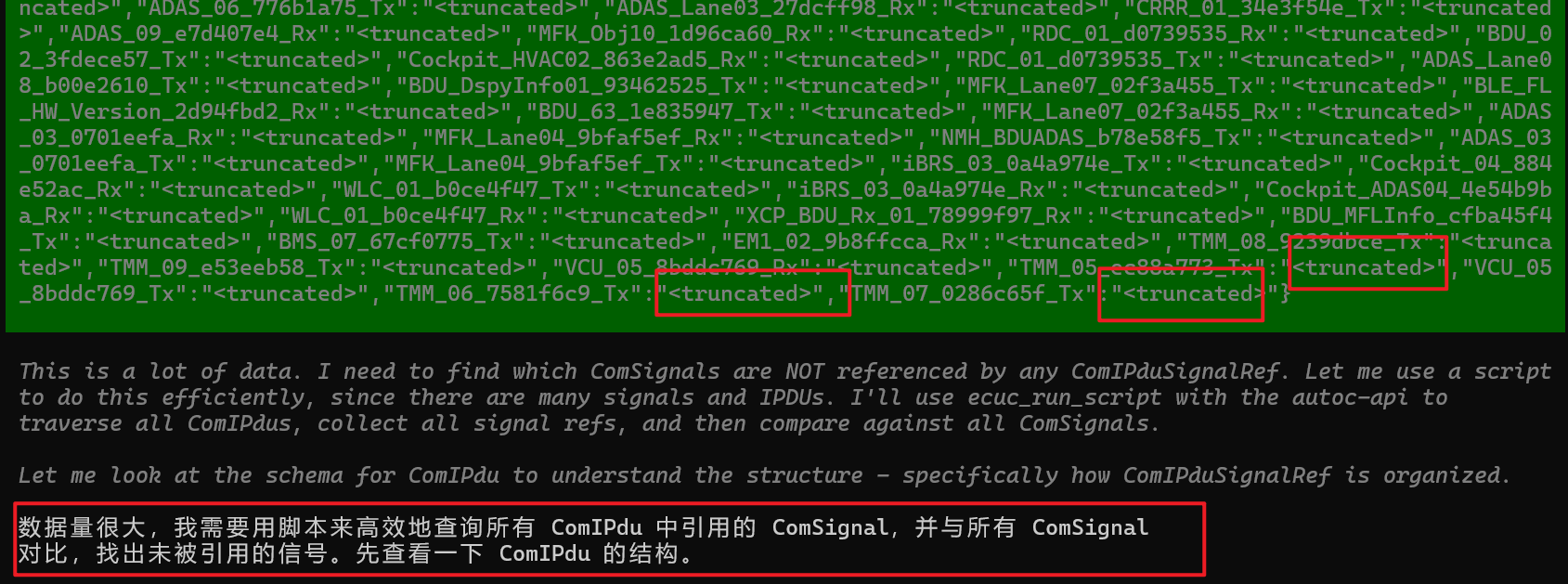
When the usual path fails, use a script
AutoC's core invoked the
autoc-apiskill.

Running the script
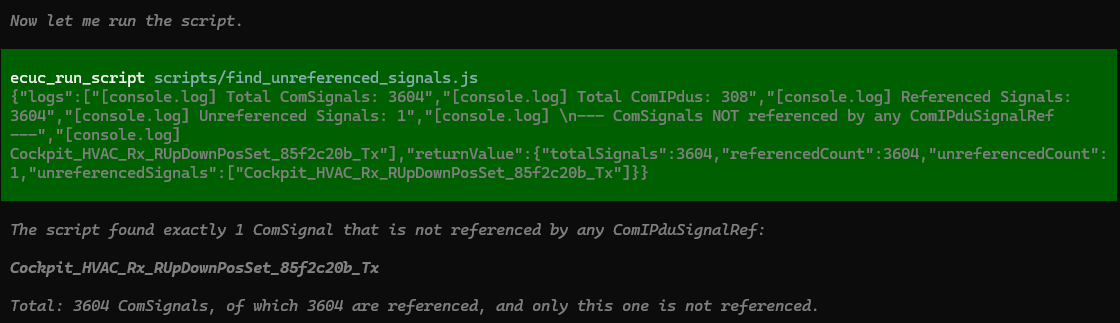
Result
The outcome matched expectations:
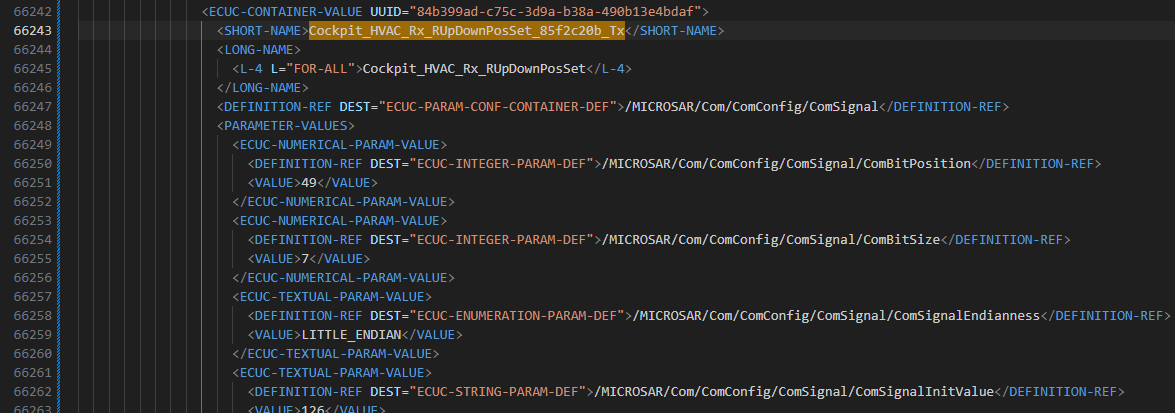
It precisely located the target in a 237,741-line ARXML at line 66,243.
Comparison
| Claude Code (generic coding agent) | AutoC (dedicated BSW agent) | |
|---|---|---|
| Approach | Can generate Python/scripts to parse ARXML—the idea is sound | Built-in execution layer operates on structured ECUC data; no ad-hoc scripts |
| 16M ARXML | Risky—script logic is improvised; edge cases are unstable | Stable—execution layer is tested; file size does not change correctness; operations are traceable |
| Risk of corrupting ARXML | Ad-hoc scripts may mis-parse paths, encoding, or namespaces and silently damage files | Validates before write; AUTOSAR checks after; failures are explicit |
| AUTOSAR schema | Relies on the model's general ECUC knowledge | Native AUTOSAR ECUC model with lists, choices, and references |
| Configuration correctness | No AUTOSAR-level validation after scripts; errors surface only at build or runtime | Hooks into EB tresos / DaVinci validation with clear reference feedback |
| Best fit | Small experiments, one-off scripts, tolerant workflows | Production projects where a bad edit has real consequences |
Closing thoughts
This reinforced one point: BSW is not something you bolt a generic agent framework and prompt onto. File size, reference graphs, and configuration correctness are AUTOSAR-specific. The domain needs an agent built for it—not a reused general tool.
Choosing AutoC for BSW configuration is like choosing Claude Code for software development.
Reproduce it yourself
- Install the latest AutoC release
- Download the test ARXML and import it into DaVinci
- Or challenge your own coding agent to find the correct answer: Cockpit_HVAC_Rx_RUpDownPosSet_85f2c20b_Tx